
Clean links.
Keep what matters.

An offline Android link cleaner that removes known tracking parameters.

Review the result, then copy, share, or open it.

Free and open source · Android 5.0 or newer

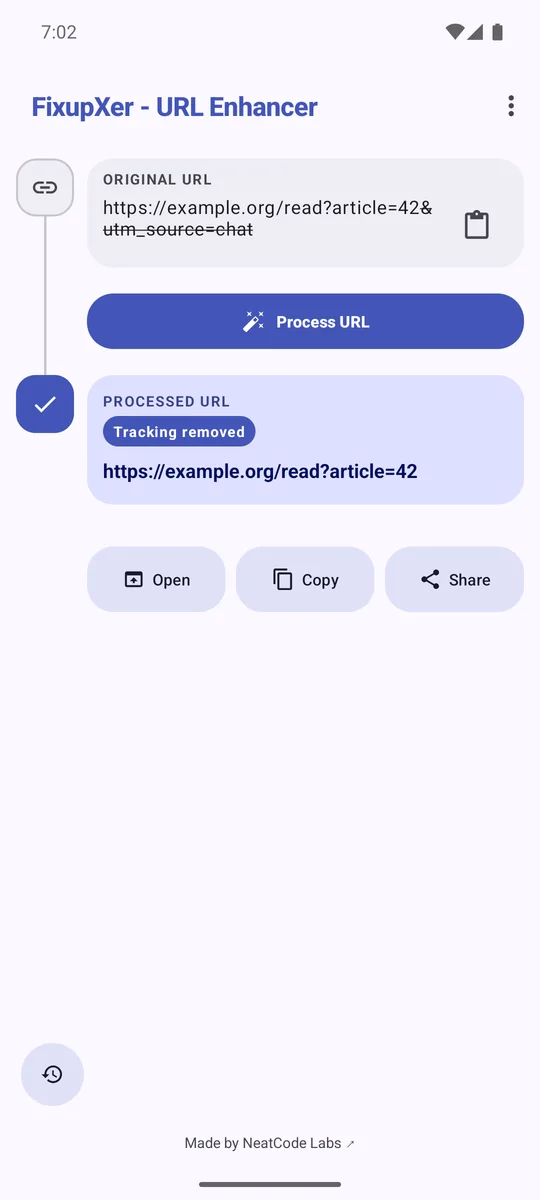
FixupXer shows a cleaned example link with the article=42 value preserved.
The app removes utm_source=chat and keeps article=42.

Use FixupXer from the app you are already in.

Send it a link, check the cleaned version, and decide where to send it next.

  1. Send or paste a URL

    Choose FixupXer from Android’s Share menu, paste a link into the app, or select Clean link from text in a supported app.

  2. Review what changed

    Compare the original and cleaned URLs. Optional social-link conversion uses its own setting.

  3. Choose the next action

    Copy the result, share it, or open it in the browser or app you choose.

Choose a destination for supported social links.

Browser Mode and Share can use different services. Browser Mode can route eligible links Android sends through FixupXer to a reader. Share can prepare an embed link for a chat preview.

Browser Mode

Enable FixupXer in its browser settings and set it as Android’s default browser. Eligible public links can be rewritten to an independent reader. App Links may open a supported app directly, so not every web link passes through FixupXer.

Share

Select an embed frontend separately for supported links you share. The receiving chat app may request a preview from that service; availability depends on both services.

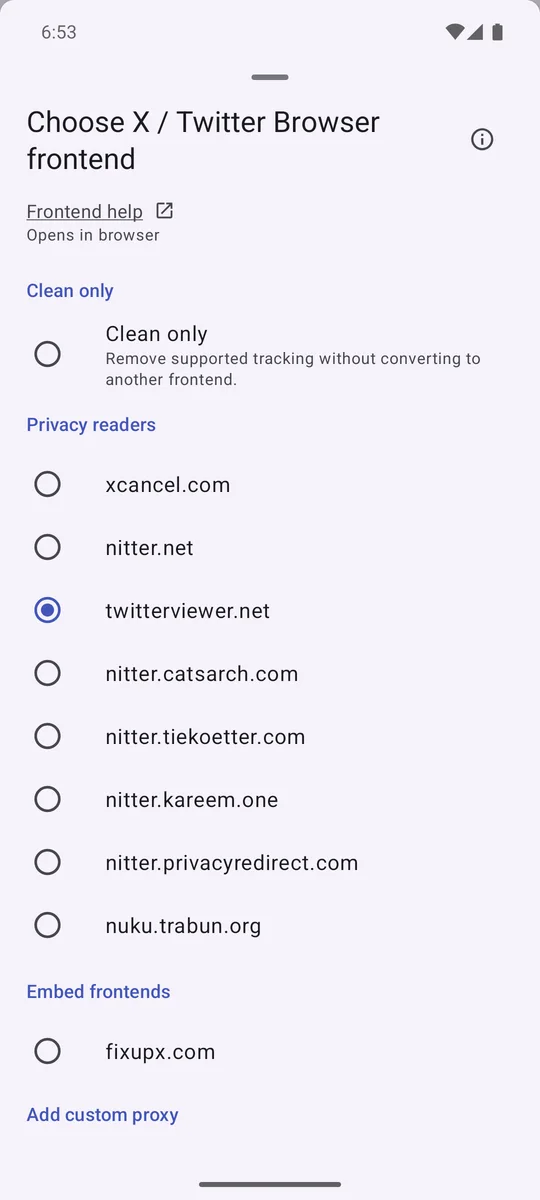
FixupXer Browser frontend picker with a reader selected for X links.
Browser Mode
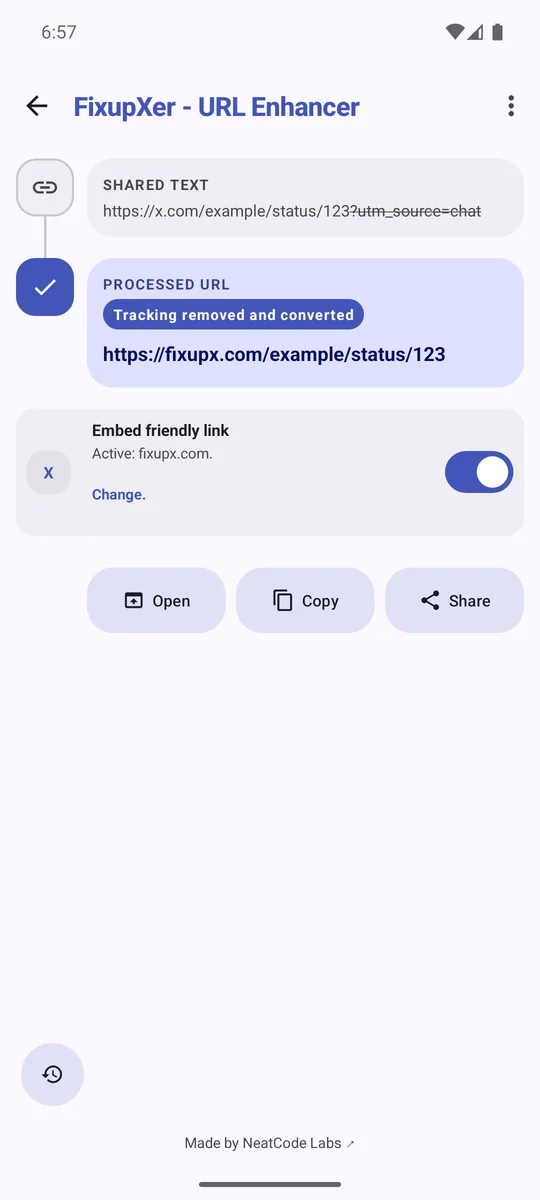
FixupXer Share screen with an embed frontend selected for an X link.
Share choice

Review sensitive values before you share.

Private Link Guard can flag values such as an email address or sign-in token that remain in a URL. Review the warning, remove a parameter, or go back. The check is limited and may miss other sensitive information.
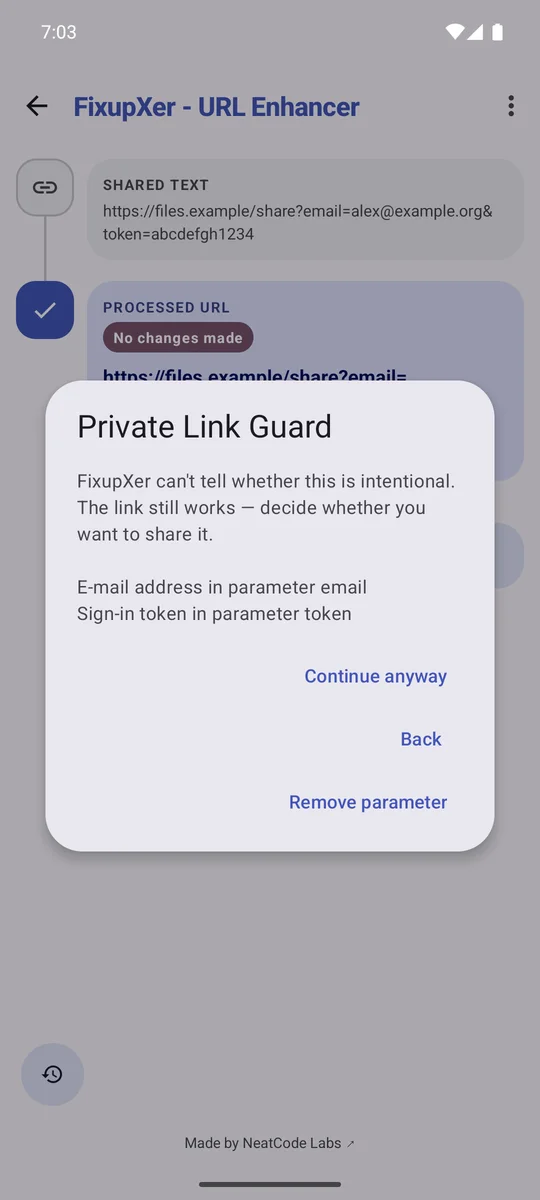
Private Link Guard warns about demonstration email and sign-in token values in a URL.
The values shown in this example are demonstration data.

Add and test a rule for a specific site.

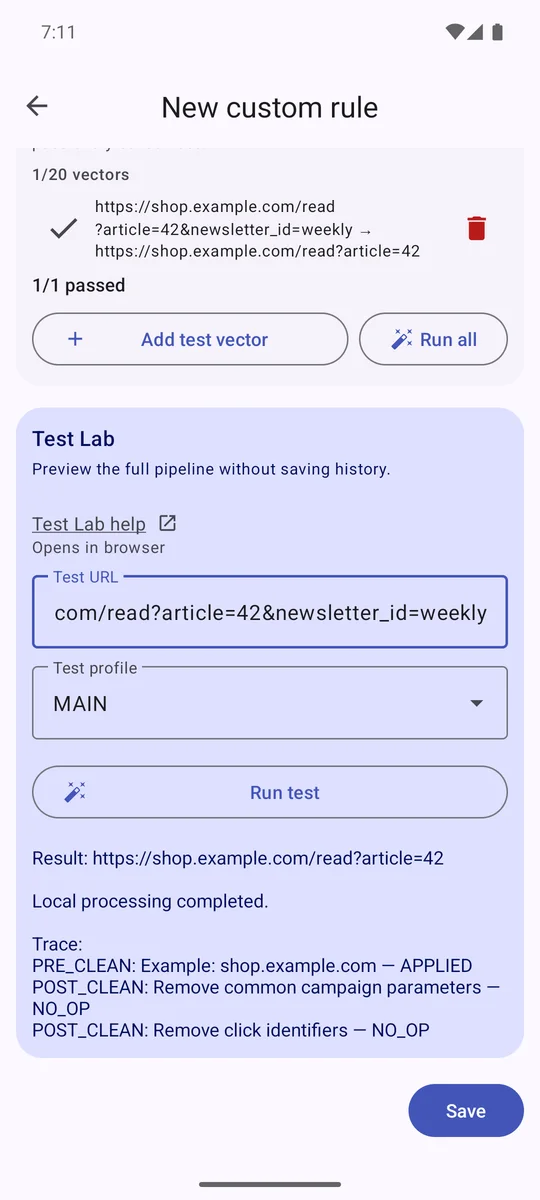
When a built-in cleaner misses a site-specific tracking parameter, you can write a custom URL rule. Test Lab previews the draft against an example link locally, so you can check what it changes before enabling the rule.

FixupXer Test Lab shows the result of a draft custom URL rule.
Preview a draft and inspect its effect before turning it on.

The cleaner works offline.

The Android app has no network permission. URL cleaning and optional history stay on your device. If you open or share a result, the receiving app or service may make its own network requests.

Get FixupXer for Android.

Free, open source, and available for Android 5.0 or newer.

Choose a download source